

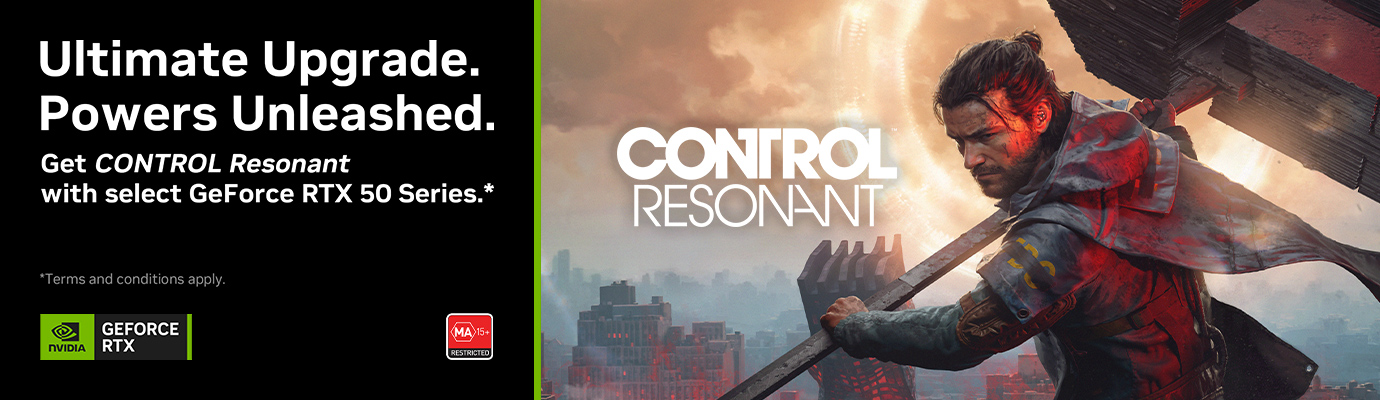
Get CONTROL Resonant with Select GeForce RTX 50 Series
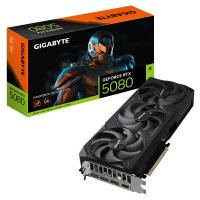
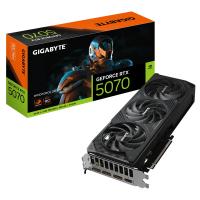
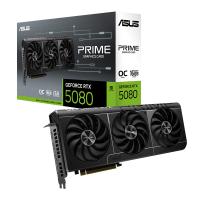
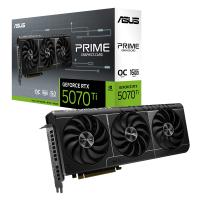
Purchase an eligible GeForce RTX 50 Series graphics card, desktop or laptop from MSY during the promotional period and get a digital copy of CONTROL Resonant on Steam, while promotional game codes last.
How Do I Claim My Game?Eligible Products
Only qualifying products from participating brands are eligible. Not every product featuring one of the GPUs above is necessarily included in the promotion.
How to Claim CONTROL Resonant
First, claim your promotional bundle code through the appropriate product or graphics card brand. Once you receive your code, redeem it through the NVIDIA App.
Bought an Eligible MSY Ready2Go PC?
Your CONTROL Resonant claim is made through the brand of the graphics card installed in your Ready2Go PC. Follow the steps below to identify the brand and submit your claim.
Choose Your Graphics Card Brand
Select the brand of the graphics card you purchased or the graphics card installed in your eligible MSY Ready2Go PC.
Follow the brand's claim instructions to confirm eligibility and request your bundle code. Keep your MSY invoice and graphics card details ready, as claim requirements may vary by brand.
Bought a Branded Laptop or Desktop?
Select the brand of the laptop or desktop system you purchased.
Follow the brand's campaign and claim instructions. If you purchased an MSY Ready2Go PC, use the Ready2Go instructions above instead.
Got Your Bundle Code? Redeem It Through NVIDIA
Once your claim is approved and you receive your bundle code, redeem it on your qualifying PC through the NVIDIA App.
- Make sure your qualifying GeForce RTX hardware is installed in or being used by your PC.
- Install or update the latest NVIDIA App and sign in.
- Open the NVIDIA App and select REDEEM.
- Enter your promotional bundle code.
- Follow the on-screen instructions and sign in to your Steam account.
- Select REDEEM to add CONTROL Resonant to your Steam account.


 Please Wait...